

Rushing mines (the biggest energy saver in the game)
Rushing means digging only the tiles required to complete the quest objectives, leaving most of the mine uncleared until you come back later with better equipment. It is the single most valuable habit in Diggy's Adventure.
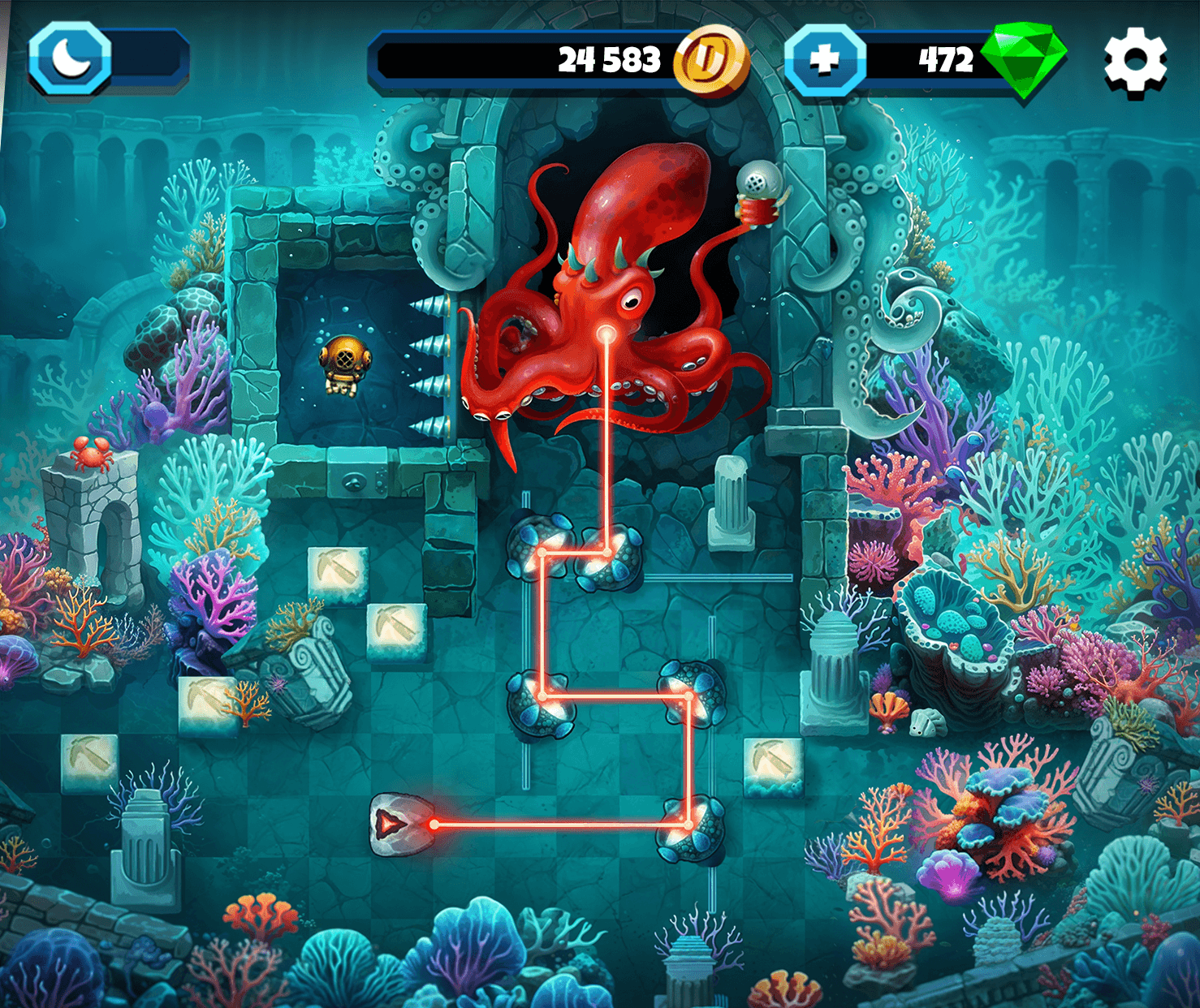
- Identify the quest tiles: Look for the quest markers and dig only the path that reaches them.
- Skip optional puzzles: Leave stone-moving puzzles alone unless they block the route to a quest tile.
- Leave the last tile: Keep the final tile unclaimed and cash it in later when you want a level-up.
The saving scales with the region. In Egypt and Scandinavia it is worth roughly a quarter to two fifths of a mine's energy; by Mars and India, where individual tiles run into the thousands, it is the difference between finishing a quest this week and not.
Camp optimization: regeneration vs. capacity
Your underground camp is a grid of slots filled with green Regeneration equipment, which sets how fast energy comes back, and blue Capacity equipment, which sets how much you can bank. Getting the balance wrong wastes energy silently.
- Frequent players: Favour Regeneration. You will be back before a large store fills, so storage you never reach is wasted.
- Session players: Favour Capacity. If you play once a day in a long run, you want a full bar waiting.
- Unlock slots first: Spend stone and wood unlocking camp slots before buying high-tier equipment to put in them.
- Use the Holland System: It raises the number of neighbour windmills your camp can host, each paying passive energy.
Recalculate this every region. Tile costs climb steeply, so a setup that felt right in Greece will not be right on Mars.
Kitchen cooking and production timing
The Kitchen cooks food for instant energy refills, the Foundry smelts materials, and the Caravan Outpost sends expeditions for rare items. All three take real time and all three keep running while you are offline.
- Time the cooking: Start food so it finishes just as your energy bar empties, rather than leaving a full meal sitting unused.
- Use Double Production Week: Send caravans loaded with materials and coins during the doubling weeks for the better return.
- Smelt only when needed: Converting materials early locks them into a form you may not want for the next equipment tier.
Keep a stockpile of cooked food for emergencies. During an event window, running dry with no refill ready is how free row milestones get missed.
Event farming: free row prioritization
Every event has an Event Pass with a free row and a paid premium row. The free row pays energy, coins, XP, materials, food and occasional gems, and it is the only one a no-spend player should be planning around.
- Start on day one: Points accumulate over the whole event, so a late start caps how far up the free row you reach.
- Farm the efficient locations: Some event mines pay more Event Points per energy. Work out which before committing your bar.
- Combine with special weeks: A doubling week running alongside an event is the best farming window the game offers.
Even if you cannot finish an event, the first few free row milestones are usually the best value in it. Aim for those and stop without guilt.
Reward codes: redeem the day they appear
Pixel Federation's official reward code system pays gems, energy, materials and equipment. Codes are announced on Instagram, Facebook and Reddit and are usually live for days rather than weeks.
How to redeem
- 1
Tap the Settings cogwheel in your camp.
- 2
Tap Community, then Reward Code.
- 3
Enter the code exactly; they are case-sensitive.
- 4
Tap Claim Now.
One redemption per account. Follow the official accounts rather than working through a published list, because almost every list circulating online is months out of date.
Lucky Cards Tent and Daily Extra Energy (ad loops)
The Lucky Cards Tent gives three draws per 8-hour cycle in exchange for ads, and Daily Extra Energy gives up to three more ad-watches when your energy bar is empty. Both are legitimate, both are free, and both are routinely skipped.
- Draw all three boards: Nine rewards a day if you catch all three cycles, in energy, materials, XP and coins.
- Watch ads when empty: Daily Extra Energy scales with your level and region, so it is worth more the deeper you are.
- Disable ad-blockers: On the web versions especially, a blocked ad means no reward registers at all.
Neighbor visits and god children (social energy)
Visiting neighbours' camps on the Facebook or portal versions lets you collect god children for instant energy and coins. The energy you take is not deducted from the neighbour, so it is a genuinely non-zero-sum system and there is no reason not to use it.
- Keep the list active: Dormant neighbours pay nothing. Prune and replace.
- Visit daily: God children respawn every 22 hours, so a skipped day is gone.
- Host windmills: Each one a neighbour places pays passive energy for seven days.
If you play on mobile, connect a Facebook account and open the browser version occasionally. The app alone does not give you any of this.
Pillars and achievement XP farming
From level 100 you can buy pillars with surplus materials purely for the XP. Combined with held achievement rewards, this lets you trigger a level-up on demand rather than waiting for one.
- Convert surplus materials: Wood, stone and coal piling up with nothing to spend them on become XP.
- Hold achievement claims: Do not claim until you want the level, and take the doubling ad when you do.
- Keep a last tile in reserve: An unclaimed final mine tile is a level-up you can cash whenever you need the energy.
Mobile vs. web: know the limits
The mobile app covers mining, puzzles and camp management but lacks the full social layer. Neighbours, windmills and some decorations need the Facebook or portal version in a browser.
- Connect Facebook: Even if you play on mobile, a connected account unlocks the browser social features.
- Split your habits: Mine on the app for convenience, visit neighbours and place windmills on the web.
- Record your Player ID: Support can recover a lost account with it, and cannot easily without it.
Are there any cheats for Diggy's Adventure?
No. There are no working cheat codes, gem generators or energy hacks. Every site advertising one is running an ad funnel, a survey wall or something worse, and a modded APK risks the account you have spent years building.
What does exist is the official reward code system, the daily loops and the optimisation habits in this guide. That is the whole list, and between them they are enough to play this game indefinitely without spending.
Common pitfalls and how to avoid them
Most of what slows players down is avoidable and unglamorous.
- Rushing too early: In Egypt and Scandinavia the saving is small and you will want to learn the puzzle mechanics properly first.
- Over-building capacity: If you check in often, a huge store you never fill is slots that should have been regeneration.
- Skipping special weeks: Missing Candyland, Builder or Red Ring week costs you rings and tokens that displace gem spending.
- Playing as a guest: Connect Facebook or an email-based Pixel ID, or one lost device costs you everything.
- Leaving ad-blockers on: They silently break the Lucky Cards, Daily Extra Energy and achievement-doubling rewards.
Final tip: play smart, not hard
Diggy's Adventure rewards consistency and optimisation rather than spending. Stack rushing, camp balance, event farming, code redemption and the daily loops, and over time you will save hundreds of thousands of energy and a great many gems. No cheats required, because none exist.