
Step 1: Are You on the Right Account?
This is the most common cause by far. Facebook, Google, Apple, email and guest logins are separate accounts with separate chips, and a promo link opens whichever account you used last.
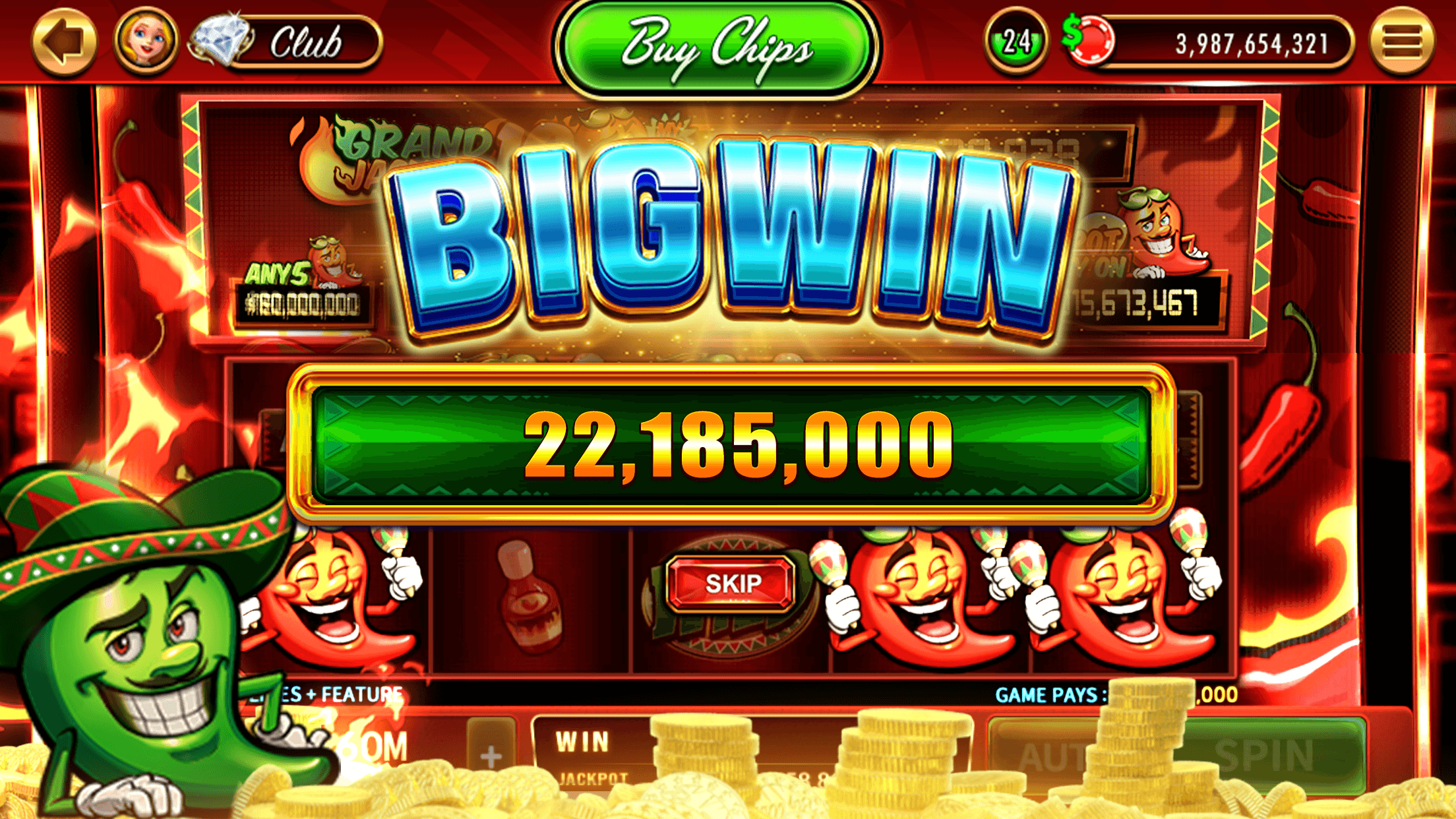
If your chips look different on your phone and your computer, you are on two accounts. Log in the same way on both. Before claiming a promo, open the game and check you are on the account you mean. Our guide to linking Facebook explains how the account types work.
Step 2: Is It the Promo, Not the Game?
A promo can fail even when everything is working:
- "You've reached the limit": More than 12 free chip offers in 180 minutes. Wait, then carry on.
- Already received: A promo works once per player, and its code and link count as one. The message means the chips were added earlier.
- Expired: Links work for a limited time. Use the newest ones.
- Not meant for you: Some emails are tied to one account or Diamond Club tier. In our records 24 promos were also posted with warnings such as "computers only" or "may not work for everyone".
Step 3: Chips Not Showing After a Claim
On a computer the game loads first, often with the Daily Wheel and pop-ups, and the chips are usually added within about a minute with a confirmation message.
If nothing appears, refresh. If you then see a message that you have already received the chips for that promotion, they are in your balance. On a phone, tap the notification itself: opening the app on its own does not collect a notification's chips.
Step 4: Fixes for Your Device
DoubleDown's help center gives these:
Android
- Links opened inside the Facebook app have a known problem. Open facebook.com in Chrome instead, tap the link, and when the error appears choose Desktop site or Open in external browser from the three-dot menu.
- If the game won't open at all, it may be the age check: make sure the birthday on your Google Play or Samsung account is correct.
iPhone and iPad
- DoubleDown needs iOS 13 or later.
- Close background apps, restart the device and check for software updates.
- If an age verification error appears, check the birthday in your Apple account settings.
- A white screen after tapping a link: use the three-dot menu and choose Open in Safari.
Computer
- Restart the browser, clear its cache, or try a different browser.
- A black screen in Chrome: allow cookies for [*.]doubledowncasino2.com in Chrome's cookie settings.
- Facebook login stuck: some ad blockers block it. Turn the blocker off for the page.
Step 5: Contacting Support
If none of this helps, submit a request through DoubleDown's help center. Messages to Penny on Messenger are not read by anyone, so do not report problems there.
Include which account type you use (Facebook, Google, Apple, email or guest), your device or browser, the exact error message, the promo's 7-character code, and what you have already tried. On Facebook, support may ask for your app User ID, found under Settings and Privacy, Settings, Apps and Websites.